Two Products, One Work Order: Navigating the Build vs Buy Software Dilemma

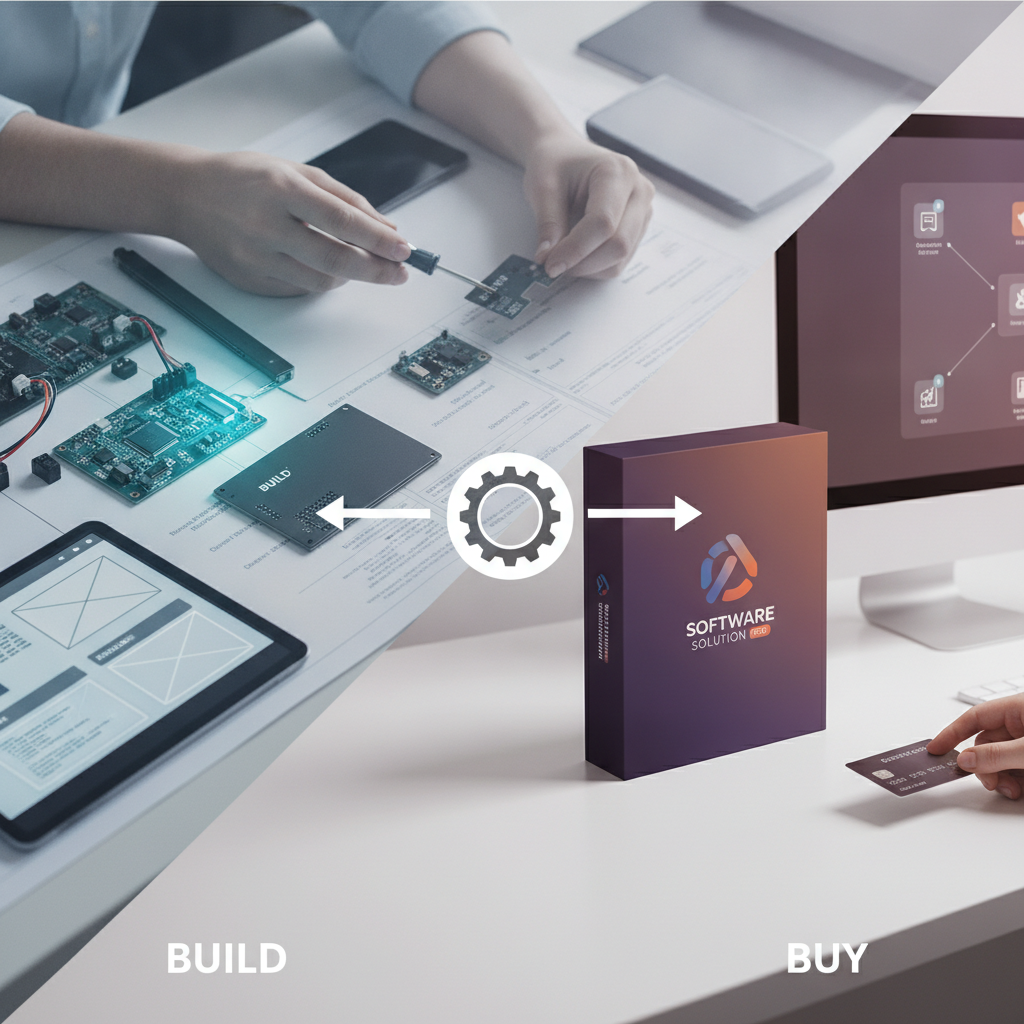
Fig 1.0 · Visual representation of two products, one work order: navigating the build vs buy software dilemma
Introduction
Every business eventually hits the same decision: do we build a second app, or extend the one we already have? That was the starting point here. At first, a new product looked like it needed a separate operational system. But once we audited the architecture, it became clear that most of the heavy lifting could stay where it was. The better move was to reuse what already worked and build only the parts that were truly new. That cut down wasted work, kept the roadmap simpler, and avoided creating a second job system just for the sake of separation. This article walks through that build vs buy software decision and shows how extending an existing system can be the cleaner path when the underlying operations are still close enough to share.
How Build vs Buy Software Actually Works: A Case for Smart Extension
A lot of teams default to a second job system when a new service line shows up. It feels clean on paper. Separate app, separate logic, separate data model.
But clean on paper is not always clean in production.
In this case, the first idea was to spin up separate applications with a shared Firebase backend and @turnwrk/shared libraries, but not share application code. That would have meant two parallel job systems: one for the existing operation and one for the new cleaning service.
The reuse audit pointed to a better path. The contractor mobile app in the existing Dispatch field PWA could be extended with a cleaning card variant. In plain English, that meant technicians would keep using the same interface, but the app could show both existing work orders and the new cleaning tasks.
The main technical decision, made on 2026-07-05, was to extend the cmms_workOrders collection instead of creating a second one. New WOType values like 'Cleaning' and 'Turnover' were added alongside the existing types. The work order still kept WorkOrder.assignedTechId as the lead assignment field, which meant the field workflow stayed familiar.
What stayed net-new was the customer side: the booking widget, the CRM, and the Stripe payments engine. That’s the important distinction. This was not a “build almost nothing” story. It was a “don’t rebuild the parts you already trust” story. The new product still needed its own customer flow, payment flow, notification engine, and payroll logic. It just didn’t need a second technician app or a second job collection to get there.
Technical Deep Dive: The Mechanics of Extending a Work Order System
The extension worked because the system already had a clean place to add new work types. The union of work order types in turnwrk-shared/src/types/workOrder.ts:14-23 was updated to include 'Cleaning' and 'Turnover'. That gave the platform a simple way to tell different job types apart without changing the broader workflow.
The cleaning job details live in CleaningJobDetails, defined in workOrder.ts:30-41. That snapshot carries the fields the team actually needs in the field: serviceLabel, params/extras, arrivalWindow, estMinutes, notes, parking, access, and an optional customerHome. In business terms, this kept the work order readable for operators while still giving technicians the context they need on site.
When a clean booking is created, createCleanBooking in clean/src/lib/clean/server.ts allocates references for clean_bookings, cmms_workOrders, and clean_payments. A work order is then created with type: 'Cleaning', status: 'Backlog', cleanBookingId: bookingRef.id, and the cleaning snapshot. That mattered because it tied the booking, the operational task, and the payment record together without extra manual stitching.
A few short business reasons this was the right move:
- It kept the field workflow stable for technicians.
- It avoided a second source of truth for work orders.
- It let the team ship cleaning jobs without splitting the dispatch app.
- It made the new product easier to explain and support.
Firestore rules in dispatch/firestore.rules:122 were also updated so vendor work order writes only succeed when the type is in the allowlist, including 'Cleaning' and 'Turnover'. That sounds small, but it prevents silent permission failures later when new work types start flowing through the system.
For multi-cleaner jobs, the team added a clean_assignments collection in turnwrk-shared/src/collections.ts. Each document stores workOrderId, bookingId, techId, isLead, allocatedMinutes, and hourlyRateMinorSnapshot. The important part is not the field list itself. It’s the fact that multiple cleaners can be assigned while WorkOrder.assignedTechId still points to the lead. That preserves the existing operational model instead of forcing a new one.
The tech UI changed in the smallest useful way. The isCleaningWorkOrder function in dispatch/components/tech/work-order/workOrderAction.tsx:43+ detects cleaning jobs, and WorkOrderScreen swaps in a CleaningJobPanel when the snapshot is present. That meant technicians could keep working in the interface they already knew, which is a much easier adoption path than asking them to learn a second app.
Even without a direct booking, 'Turnover' work orders can be created from occupancy checkouts. That matches the WOType docstring in workOrder.ts:22-23 and shows the same reuse pattern at a different point in the flow.
Who Build vs Buy Software is For: Targeted Solutions for Growth
This approach is a fit for founders and small teams who need senior technical judgment, not a full-time CTO. It’s especially useful when you already have working software, but the next product idea is pushing against the limits of that system.
It also helps when you have AI-generated code that runs locally but still isn’t ready for production. In that case, the problem usually isn’t “can we write code?” It’s “can we safely ship, support, and extend what we already have?”
Some concrete situations where this fits well:
- A service business adding a new workflow that mostly mirrors an existing one
- A founder deciding whether to extend a proven app or launch a second one
- A team that needs architecture review before committing to a rebuild
- A product with one core workflow that can stay shared across multiple offerings
This is a good fit for independent brokerages, bookkeepers, property managers, short-term rentals, contractors, HVAC shops, plumbers, marketing and creative agencies, events and venues, and other professional services.
Who this is not for: teams looking for generic staff augmentation, enterprise procurement projects, or simple DIY experimentation. If the question is only “can someone code this for us,” this approach is probably more than you need. The point here is sharper than that: figure out where reuse ends and new build truly begins.
Navigating Your Build vs Buy Software Decision: Essential Audit Questions
Here are the five questions we ask before building anything new:
- What existing assets can be reused or extended? Look beyond the obvious. Can a contractor mobile app be adapted with a cleaning card variant instead of building a second field app from scratch? Can existing status values or receipt data be reused?
- What core functionality is truly net-new? Separate the parts that really need ground-up work, like a customer booking widget, a new CRM, or a custom Stripe payments engine.
- How will new data models fit into the current schema? If you extend an existing system, how do new types like
WOTypevalues'Cleaning'and'Turnover'fit with the rest of the structure? - What happens operationally if the systems stay coupled? A shared schema can be efficient, but it can also mean shared release timing and shared maintenance work.
- What’s on the critical path? Find the one thing that has to be built from scratch and will decide whether the project succeeds. In this case, it was the customer payments engine.
Run that reuse map before you scope the project in detail. It turns a vague “build a contractor app” idea into a much more practical decision about where to extend, where to rebuild, and where to stop.
Pricing / How to Get Started with Your Software Strategy
Choosing between build and buy is usually less about ideology and more about judgment. If you’re a non-technical founder working through an AI-generated prototype, or a small team trying to ship production software without overbuilding, it helps to have another set of eyes on the tradeoffs.
We can help you sort through the architecture, the reuse opportunities, the vendor questions, and the code review side of the decision without forcing a full-time CTO onto the budget.
If you want a second set of eyes on the decision, reach out and we can walk through the tradeoffs. We’ll help you spot what can be extended, what really needs to be built, and what can wait.
Frequently Asked Questions
What is the primary benefit of extending existing software instead of building new?
The main benefit is efficiency. You avoid rebuilding parts that already work, move faster, and keep the new build focused on what’s actually new. In practice, that can mean reusing a field app or work order system instead of creating a second one from scratch.
What are the risks of extending an existing system?
The biggest risks are shared release timing, shared schema complexity, and extra maintenance if the products drift apart later. Extension can save time, but it works best when the new use case is still close enough to the old one to share the same core system.
When is building from scratch the right choice in the build vs buy software dilemma?
Building from scratch makes sense when the new product needs functionality the current system can’t reasonably support, or when forcing reuse would create more complexity than it saves. In this article, that meant building the customer booking widget, CRM, and Stripe payments engine from the ground up.
How can Practical.Works help with a build vs buy software decision?
Practical.Works helps founders and small teams make the call with senior technical judgment. We look at what can be reused, what needs to be built, and where the real risks are, so you can make a cleaner decision before you commit time and budget.