AI Agent Workspace: Ship Production AI for Teams Faster


Fig 1.0 · Visual representation of ai agent workspace: ship production ai for teams faster
The Missing Operating Model for Production-Ready AI
For a lot of teams, the failure shows up in the same place: the agent works in a demo, then gets stuck the second it has to ask for permission, write to a system of record, or hand off to someone else. A notebook prototype can look clean on one screen and still fall apart in the real workflow. That is the gap an ai agent workspace fills. It gives agents a place to plan, execute tasks, use tools, and keep memory, with identity, permissions, and audit trails built in.
Without a structured ai agent workspace, teams often end up with months of AI-generated code that’s hard to change safely. A prototype may work in isolation, then fail as soon as it has to connect to a CRM, write to a database, or show who approved what. That turns into a mess fast: lost context, no audit trail, and no clear way to debug why an agent made a bad call. A solid ai agent workspace puts guardrails around that work and gives teams a way to test, monitor, and ship without guessing.
What is an AI Agent Workspace and Why Do You Need One?
An ai agent workspace is a secure, stateful execution environment and control plane where autonomous or semi-autonomous agents plan, use tools and data connectors, retain memory, and orchestrate multi-step tasks under explicit identity, permissions, and audit policies. It is different from a simple chat interface or a co-pilot, which mostly handles conversation or suggestions. Instead, a workspace governs actions, data access, memory, and observability, so agents can act reliably and be held accountable.
Traditional software development lifecycles (SDLC) often fall short when applied directly to AI agents because the models are dynamic and don’t behave the same way every time. The Agentic Development Lifecycle (ADLC) is a better fit. It keeps the work iterative and risk-aware. An ai agent workspace is the place where that lifecycle lives. It gives agents a persistent home where they can retrieve documents, run code safely, and work with other agents or humans.
Teams need an ai agent workspace to deal with the limits of stateless AI models. Without one, agents can lose context, repeat experiments, or overwrite something they shouldn’t. For example, a sales agent might draft a follow-up email, but send it before approval because there’s no approval step in the system. Or an ops agent might write to the wrong record and leave no trace of how it happened. A shared workspace solves that by keeping work visible, reviewable, and tied to a real identity. That makes debugging and auditing much easier, and it lets the team build on work instead of starting over every time.
How ai agent workspace actually works
An ai agent workspace works like a loop. Inputs come in, the agent plans, tools get called, memory updates, and the result gets checked. The pieces matter because each one does a different job. The model reasons. The tools act. The workspace keeps everything in order.
The Agent Development Lifecycle in Practice
The process usually follows an Agent Development Lifecycle (ADLC), with a few clear phases:
- Planning: Decide what the agent should do, what success looks like, and where it should stop.
- Code and Build: Create the agent, write prompts, set memory rules, and connect the tools and APIs. Use version control and sandboxing from the start.
- Test and Release: Run evaluations with real data so you can see where the agent breaks.
- Deploy: Move from sandbox to canary to full production in stages, not all at once.
- Operate and Monitor: Watch performance, costs, and failures, then tune the system as you learn.
A simple example: an ops agent gets a request to update a customer record. In sandbox, it can read the record, draft the change, and write a proposed note, but the payment system connector is blocked and the approval step is simulated. In production, the same agent can only touch the CRM record, must log every field it changes, and has to stop if the approval never comes or if the action would trigger a risky side effect. That is the kind of difference between a safe workspace and a loose script.
Within the workspace, perception and input processing handle raw data, reasoning engines decide actions, memory systems store past interactions and knowledge, and tool execution modules let agents interact with outside systems. The orchestration layer keeps those pieces moving together and makes sure the right steps happen in the right order.
AI Agent Workspace: From Concept to Production
- Human-in-the-Loop Oversight: Review, approval, and intervention for critical actions
- Observability & Monitoring: Real-time tracking of agent performance, cost, and behavior
- Secure Deployment Pipelines: Automated, gated releases to production environments
- Integrated Testing & Evaluation: Continuous validation against success metrics and guardrails
- Orchestration & Workflow Engine: Coordinates tasks, manages state, and integrates tools
- Memory Systems (Short & Long-Term): Retains context, knowledge, and learned behaviors
- Tool & API Integrations: Connects agents to external systems for actions
- Reasoning Engine (LLM-powered): Interprets goals, plans actions, and makes decisions
- Perception & Input Processing: Transforms raw inputs into structured formats for agents
A layered view of how an AI agent workspace functions to take AI agents from initial concept to reliable, monitored production.
This structure lets agents work inside clear boundaries. Humans still keep visibility, control, and final accountability.

Key Features of an Effective AI Agent Workspace
An effective ai agent workspace is more than a pile of tools. It has to behave like a real operating environment for agents, especially for ai agent collaboration and shared workspace for ai agents.
Collaboration and Shared Context
For teams, a multiplayer AI workspace lets people and agents work from the same knowledge, tools, conversations, and notifications. That matters because real work depends on handoffs, records, approvals, and proof that something got done. In practice, that means an agent can draft a task, leave a note for a teammate, and keep the thread attached to the work instead of scattering it across chat. In one common workflow, a support agent can prepare a refund request, route it to a manager for approval, and keep the approval trail attached to the same case so nobody has to reconstruct what happened later.

Robust Access Control and Permissions
Agent workspace permissions matter as soon as an agent can touch operational systems or sensitive data. Each agent should have its own identity. It should be authenticated, scoped to specific permissions, and restricted to the least access it needs. In plain terms: one agent shouldn’t be able to send an email without approval, and it shouldn’t be able to write to systems it hasn’t been granted access to. Every tool call should be tied to a user or agent identity so you can see who did what.
Integrated Testing, Evaluation, and Observability
Production-ready agents need proper evaluation and monitoring. An effective ai agent workspace gives you a place to test with real data before anything goes live. It should log every tool call, show you the path the agent took, and surface metrics like cycle count, token usage, and tool errors. That’s what helps teams debug slow runs, compare prompt versions, and catch failures before they hit customers.
Secure Deployment Pipelines and Runtime Governance
The workspace should support staged deployment, usually sandbox first, then canary, then production. Runtime rules matter too. A good system blocks destructive actions, caps loops, enforces timeouts, and routes models with cost in mind. It should also support approvals for high-consequence actions and keep a complete activity log. If something goes wrong, rollback needs to be part of the design, not an afterthought.
Who ai agent workspace is for
An ai agent workspace is built for founders and small teams that need to bring AI into actual operations, not just demos.
- Non-technical Founders: They often have working prototypes, but nobody feels safe touching the code. The bottleneck is usually not the idea. It’s the handoff from “it works on my machine” to “can we trust this in production?” They need a way to turn a proof of concept into software that can be reviewed, approved, and changed without fear.
- Small Teams Lacking Senior Technical Leadership: These teams can build something that looks promising, then get stuck when they need evaluations, observability, deployment discipline, or cost control. They usually don’t lack effort. They lack the technical judgment to decide what should be sandboxed, what needs approval, and what should never be automated.
- Businesses Seeking Workflow Automation: These teams want fewer manual handoffs and fewer repeated tasks. The pain point is usually fragmentation: work lives in email, spreadsheets, chat, and a CRM, and nothing is connected. An ai agent workspace gives them one place to coordinate the work and keep track of what happened.
Common verticals that benefit from an ai agent workspace include:
- Independent brokerages, where lead follow-up and policy handoffs need approval before anything gets sent
- Bookkeepers, where agents can gather receipts or draft reconciliations but should not post entries without review
- Property managers and short-term rentals, where guest messages, maintenance updates, and vendor coordination need traceable steps
- Contractors, HVAC shops, and plumbers, where dispatch, estimate follow-up, and job status updates move across too many systems
- Marketing and creative agencies, where drafts, approvals, and client feedback have to stay tied to the project
- Events and venues, where booking changes and vendor coordination need a clear record
- Professional services, where client intake and document handling need guardrails before anything is finalized
This solution is not for large enterprise procurement teams focused on staff augmentation or for DIY hobbyists who just want to play with AI tools. It’s for teams that need practical, production-ready AI that fits into existing business processes and does real work.
Setting Up Your AI Agent Workspace for Production
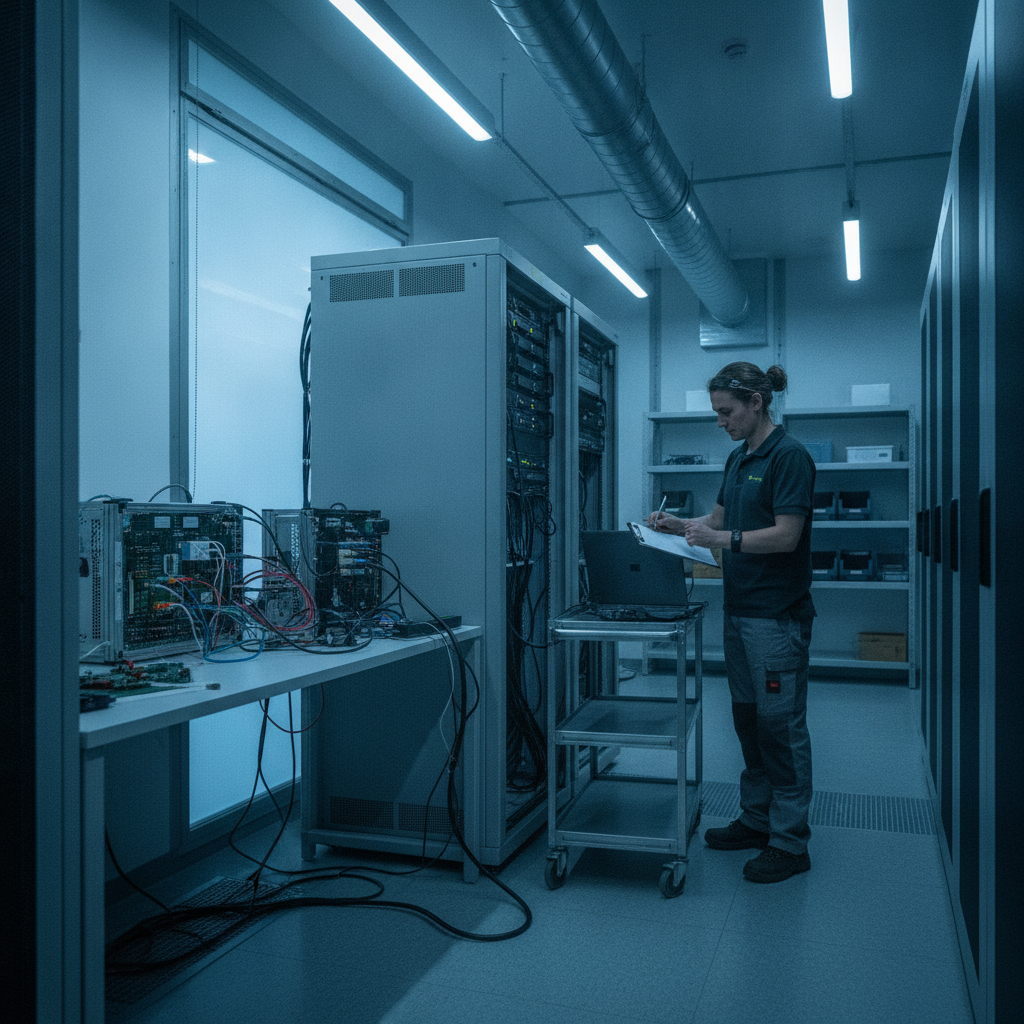
Moving from a local AI agent prototype to a production-grade ai agent workspace takes more than wiring up a model and a few APIs. You need reliability, security, and a clear way to see what the agent is doing. A notebook demo can hide a lot. Production does not.
Foundational Steps for Production Readiness:
- Define Agent Scope, Permissions, and Boundaries: Be clear about what the agent should do, which systems it can touch, and where it has to stop. Give each agent its own identity, like a user or service account, and watch its behavior over time.
- Build Secure Execution Environments: Agents should run in isolated spaces, like disposable directories, containers, or virtual machines, so they can’t change things they shouldn’t. Keep files and credentials tight and only expose what’s needed.
- Integrate with Enterprise Systems and APIs: Production agents need to connect to the CRM, accounting software, communication tools, and other systems the business already uses. Those connections should be built with security and telemetry from the start.
- Implement Comprehensive Monitoring and Evaluation: Basic logging isn’t enough. Track performance, token usage, and model drift. Make sure you can trace tool calls, LLM usage, and failures so you know what happened when something goes wrong.
- Establish Runtime Governance and Cost Control: Set clear policies for what the agent can do, how much it can spend, and when a human needs to approve a step. Build in rollback and graceful failure handling so one bad run doesn’t turn into a bigger problem.
Moving an AI agent from prototype to production is about turning an experiment into something the business can trust. It means designing for real constraints, not ideal cases. A useful next step is to map the workflow, identify the approval points, and review the systems the agent would actually touch before anyone starts building.
Pricing / how to get started
Understanding the investment required for an ai agent workspace matters when you’re trying to move past prototypes. Pricing usually falls into a few buckets: per-seat, usage-based, flat-fee, or bundled with a larger product. Each one fits a different kind of team and a different kind of workload.
Common Pricing Models:
- Per-Seat: A fixed monthly fee per human user with access to the platform. This is predictable and common for agents that support human work, like co-pilots.
- Usage-Based: Charges based on actual consumption, such as tokens, tasks, API calls, or agent-hours. This can work well for uneven workloads, but the bill can climb fast if volume spikes.
- Per-Workspace/Fixed Fee: A flat monthly or annual amount for each deployed AI agent, workspace, or package. This is easier to budget for and works well when usage is steady.
- Outcome-Based: A fee charged only when the AI resolves a conversation or completes a defined outcome without human intervention. This ties vendor revenue more closely to buyer value.
Beyond the sticker price, watch for the real costs: tokens, retries, observability, and the engineering time needed for setup and maintenance. The only honest way to compare options is to model the all-in cost.
How to Get Started:
For teams ready to explore an ai agent workspace, the first step is usually a scoping conversation or architecture review. The point is to map the use case, decide what needs approval, and outline the systems the agent will touch. If pricing isn’t fixed, say that plainly and work from the scope.
A sensible next step is to start with a scoped architecture review and make sure the workflow, permissions, and operating costs are clear before you commit to a build.
Conclusion
The move from prototype to production is where most AI agent projects get stuck. The hard part isn’t getting a demo to run. It’s making sure the agent can handle permissions, keep a clear log, and fail safely when something goes wrong. An ai agent workspace gives teams the structure to do that.
For founders and small teams with AI code sitting in a local environment, the shift is less about adding more tools and more about adding the right control. Once the workspace is in place, the team can test, review, and ship with a lot less guesswork. That changes the day-to-day work: fewer hidden failures, cleaner handoffs, and a lot less time spent untangling what the agent did last week. If that’s the next step for your team, start with a scoped architecture review.
Frequently Asked Questions
What distinguishes an AI agent workspace from a simple AI chatbot or co-pilot?
An ai agent workspace is a dedicated, stateful, and permissioned control layer where autonomous AI agents plan, execute multi-step tasks, and use tools with built-in identity, policies, and auditability. Unlike a chatbot that mainly handles conversation or a co-pilot that offers suggestions, a workspace governs the agents' actions, data access, memory, and observability, so they can operate reliably and accountably across systems and sessions.
Why is an AI agent workspace crucial for small teams and founders?
For small teams and founders, an ai agent workspace solves the hard part of moving AI agent prototypes from local proofs of concept to reliable production software. It gives them the structure for safe iteration, continuous monitoring, and staged deployment, while also reducing the risk of unmanaged AI code, lost context, inconsistent decisions, and poor cost control. It makes it possible to automate complex workflows without adding headcount too fast.
What are the core components of an effective AI agent workspace?
An effective ai agent workspace brings together a reasoning engine, memory systems, tool and API integrations, an orchestration and workflow engine, integrated testing and evaluation, secure deployment pipelines, and observability and monitoring. It also includes human-in-the-loop oversight and strong access control with granular permissions so agent actions stay secure and accountable.
How does an AI agent workspace address security and permissions?
Security and permissions in an ai agent workspace use a layered approach. Each agent gets a unique, attributable identity. It is authenticated, given least-privilege access, and limited to the actions it should be able to take. The workspace also monitors behavior, enforces security policies, and requires human approval for high-impact actions, so agents stay inside defined boundaries and remain accountable.
What kind of businesses can benefit most from an AI agent workspace?
Businesses that benefit most from an ai agent workspace are usually small to medium-sized teams and founders who need production-ready AI but don’t have much senior engineering support in-house. That includes independent brokerages, bookkeepers, property managers, contractors, HVAC shops, plumbers, marketing and creative agencies, events and venues, and other professional services that want to automate repetitive work and keep better control of it.